Join the biggest AI Community
Our community and staff are here to help!
Your feedback will help Alice AI improve in future versions.







AI Styling Studio — Infinite avatar looks from just 1 photo. Try it now.
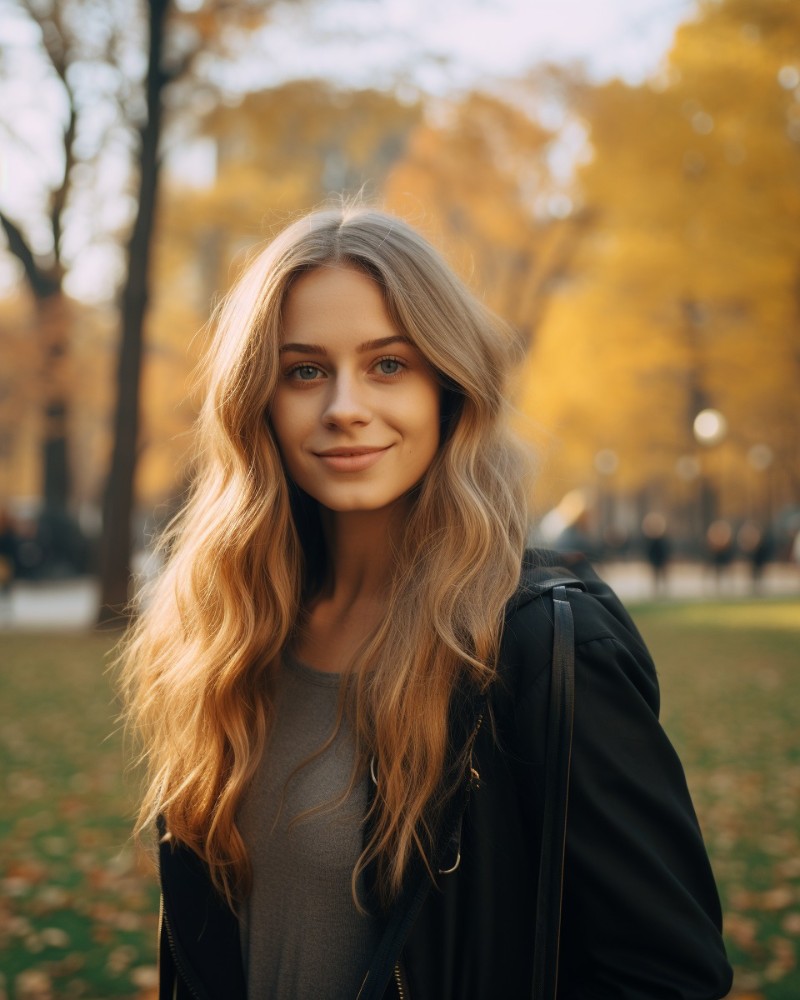
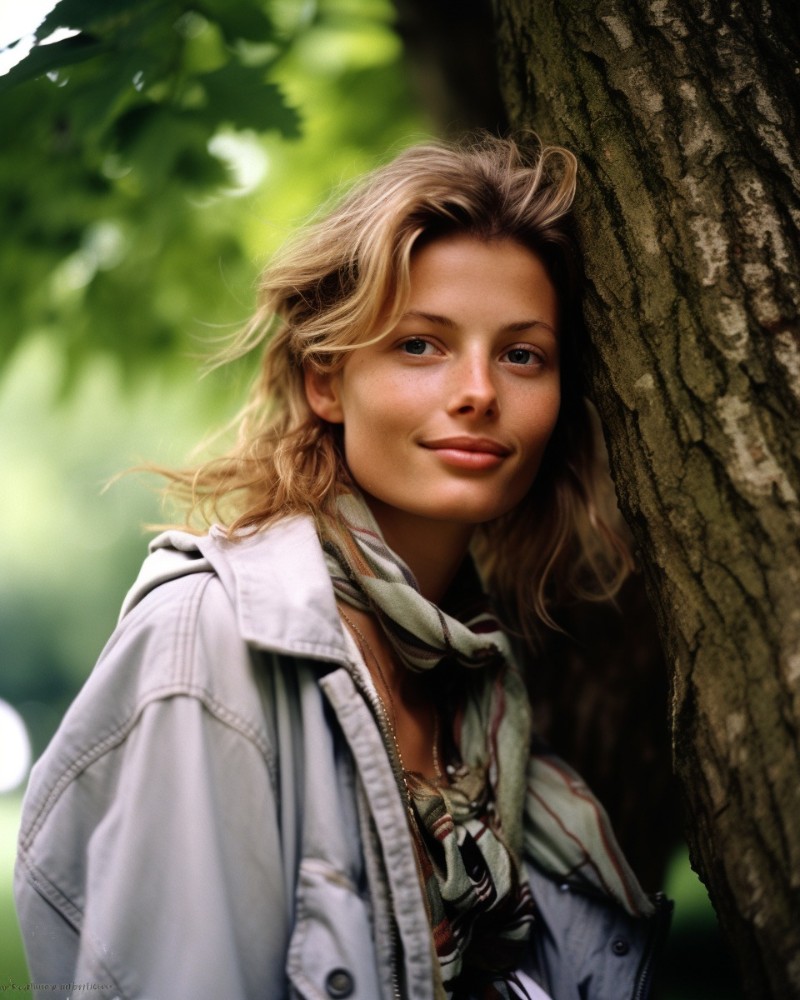
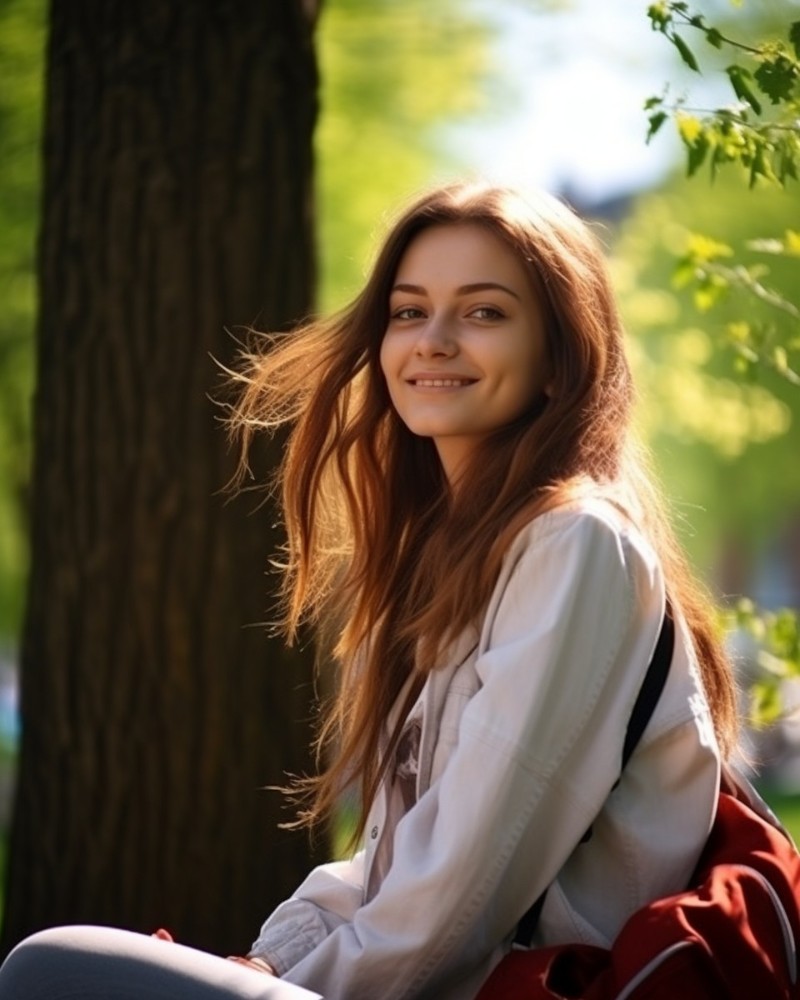
I've noticed that many struggle with creating realistic everyday people instead of stylized and model-like characters. I want to share a few tricks that help me get closer to "lifelike" portraits in Midjourney. If you know some other tricks that work for you, feel free to share in the comments. 1. Use Style Raw (--style raw). It helps to get more photographic images. 2. Minimize stylization (e.g., --s 50). This will give you “less artistic” images and a closer match to the prompt. That's what we usually want for everyday photos. 3. Include negative prompts for makeup, filters, etc. (e.g., --no makeup, filters, photoshop). 4. Use the "selfie" keyword in your prompt. It gives another boost to the realism of your images and characters. 5. Add additional keywords for a "natural" photo. These may include terms such as "natural," "everyday life," "authentic," and so on. The positive influence of these words is not always apparent, but at times, they aid in achieving even more realistic outcomes. But be careful, as some of these words may have several possible meanings.
a selfie of a middle-aged woman on the beach --ar 4:5 --no makeup, filters, Photoshop --style raw --s 50

a photo of a young woman against the backdrop of a beautiful park --ar 4:5 --style raw --s 50

a close-up photo of a young woman against the backdrop of a beautiful park, very natural, everyday life --ar 4:5 --no makeup, filters, photoshop --style raw --s 50

close-up photo of an authentic middle-aged man on a city street --ar 4:5 --no makeup, filters, Photoshop --style raw --s 50
Our community and staff are here to help!
Your feedback will help Alice AI improve in future versions.
Submit your Tool
PoweredByAI.app is an AI Tools Directory helping individuals, businesses, and creators discover the best AI tools for writing, coding, design, productivity, and more.
© 2026 , Product of011BQ. All rights reserved.