PDF Translator

Description
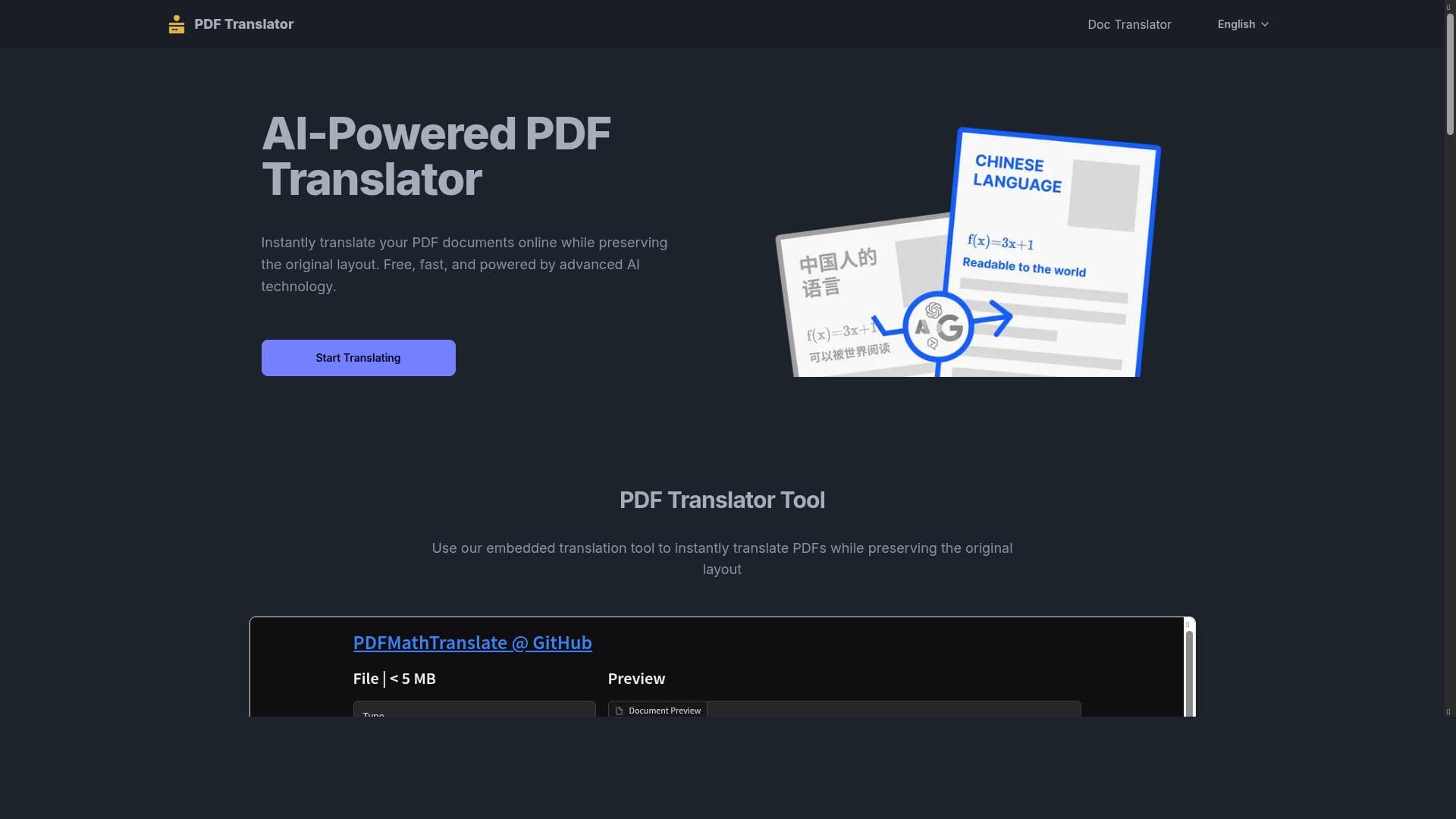
PDF Translator is a free, AI-powered online tool that translates PDF documents into over 10 languages while preserving the original layout and formatting. Ideal for professionals, students, and businesses needing fast, accurate multilingual PDF translations without software installation or cost.
PDF Translator is an innovative online tool designed to translate PDF documents quickly and accurately while preserving the original layout and formatting. Its core purpose is to provide users with a seamless way to convert PDF content from one language to another without compromising the document’s structure, which is often a challenge with traditional translation methods. Leveraging advanced AI technology, PDF Translator supports over 10 languages, making it a versatile solution for individuals and businesses needing multilingual document translation. The tool operates entirely online, requiring no software installation, and is accessible for free, making it highly convenient and cost-effective. One of the standout features of PDF Translator is its AI-powered translation engine, which ensures high accuracy and contextual relevance in the translated text. Unlike basic machine translation tools that often produce literal or awkward translations, this tool uses sophisticated algorithms to understand the nuances of language, resulting in more natural and readable output. Additionally, it preserves the original layout of the PDF, including fonts, images, tables, and formatting, which is crucial for maintaining the professional appearance and readability of documents such as contracts, manuals, reports, and brochures. PDF Translator supports more than 10 languages, covering widely used languages such as English, Spanish, French, German, Chinese, Japanese, and others. This multilingual support makes it suitable for global users and businesses operating in diverse markets. The translation process is fast, allowing users to upload their PDFs and receive translated versions within minutes, which is ideal for time-sensitive projects. Since the tool is entirely online and free to use, it removes barriers related to cost and software compatibility, enabling anyone with internet access to utilize its capabilities. This tool is best suited for professionals, students, translators, and businesses that frequently handle multilingual documents. For instance, international companies can use PDF Translator to localize marketing materials, legal documents, and technical manuals without the need for expensive human translators or complex desktop software. Students and researchers can translate academic papers or study materials to access information in different languages. Freelance translators can also use it as a first step to speed up their workflow before performing manual refinements. PDF Translator is offered completely free of charge, with no subscription or payment required. This pricing model makes it highly accessible for casual users and small businesses that need reliable translation without incurring additional costs. Since it is web-based, users do not have to worry about updates or compatibility issues, as the service is maintained and improved continuously by the provider. Compared to alternative PDF translation tools, PDF Translator stands out due to its combination of AI accuracy, layout preservation, and multilingual support—all available for free online. Many competing tools either require paid subscriptions, fail to maintain the original document formatting, or offer limited language options. While professional human translation services provide higher accuracy, they are often costly and time-consuming. PDF Translator strikes a balance by delivering fast, high-quality machine translations suitable for most practical purposes. However, users should be aware of some limitations. As with any AI-based translation, subtle nuances, idiomatic expressions, or highly specialized terminology may not always be perfectly rendered, so critical documents may still require professional review. The tool’s language support, while extensive, may not cover all less common languages. Additionally, since it is an online service, users need a stable internet connection and should consider data privacy when uploading sensitive documents. Despite these considerations, PDF Translator offers an exceptional free solution for efficient and accurate PDF document translation.
Tool Features
- AI-powered PDF translation
- Preserves original document layout
- Supports 10+ languages
- Fast and accurate translations
- Online and free to use
Description
PDF Translator is a free, AI-powered online tool that translates PDF documents into over 10 languages while preserving the original layout and formatting. Ideal for professionals, students, and businesses needing fast, accurate multilingual PDF translations without software installation or cost.
PDF Translator is an innovative online tool designed to translate PDF documents quickly and accurately while preserving the original layout and formatting. Its core purpose is to provide users with a seamless way to convert PDF content from one language to another without compromising the document’s structure, which is often a challenge with traditional translation methods. Leveraging advanced AI technology, PDF Translator supports over 10 languages, making it a versatile solution for individuals and businesses needing multilingual document translation. The tool operates entirely online, requiring no software installation, and is accessible for free, making it highly convenient and cost-effective. One of the standout features of PDF Translator is its AI-powered translation engine, which ensures high accuracy and contextual relevance in the translated text. Unlike basic machine translation tools that often produce literal or awkward translations, this tool uses sophisticated algorithms to understand the nuances of language, resulting in more natural and readable output. Additionally, it preserves the original layout of the PDF, including fonts, images, tables, and formatting, which is crucial for maintaining the professional appearance and readability of documents such as contracts, manuals, reports, and brochures. PDF Translator supports more than 10 languages, covering widely used languages such as English, Spanish, French, German, Chinese, Japanese, and others. This multilingual support makes it suitable for global users and businesses operating in diverse markets. The translation process is fast, allowing users to upload their PDFs and receive translated versions within minutes, which is ideal for time-sensitive projects. Since the tool is entirely online and free to use, it removes barriers related to cost and software compatibility, enabling anyone with internet access to utilize its capabilities. This tool is best suited for professionals, students, translators, and businesses that frequently handle multilingual documents. For instance, international companies can use PDF Translator to localize marketing materials, legal documents, and technical manuals without the need for expensive human translators or complex desktop software. Students and researchers can translate academic papers or study materials to access information in different languages. Freelance translators can also use it as a first step to speed up their workflow before performing manual refinements. PDF Translator is offered completely free of charge, with no subscription or payment required. This pricing model makes it highly accessible for casual users and small businesses that need reliable translation without incurring additional costs. Since it is web-based, users do not have to worry about updates or compatibility issues, as the service is maintained and improved continuously by the provider. Compared to alternative PDF translation tools, PDF Translator stands out due to its combination of AI accuracy, layout preservation, and multilingual support—all available for free online. Many competing tools either require paid subscriptions, fail to maintain the original document formatting, or offer limited language options. While professional human translation services provide higher accuracy, they are often costly and time-consuming. PDF Translator strikes a balance by delivering fast, high-quality machine translations suitable for most practical purposes. However, users should be aware of some limitations. As with any AI-based translation, subtle nuances, idiomatic expressions, or highly specialized terminology may not always be perfectly rendered, so critical documents may still require professional review. The tool’s language support, while extensive, may not cover all less common languages. Additionally, since it is an online service, users need a stable internet connection and should consider data privacy when uploading sensitive documents. Despite these considerations, PDF Translator offers an exceptional free solution for efficient and accurate PDF document translation.
Frequently Asked Questions
What is PDF Translator?
PDF Translator is an online AI-powered tool that translates PDF documents into multiple languages while preserving the original layout and formatting, enabling users to convert documents quickly and accurately.
How much does PDF Translator cost?
PDF Translator is completely free to use with no subscription or payment required.
Who is PDF Translator best for?
It is best suited for professionals, students, translators, and businesses that need fast, accurate, and layout-preserving translations of PDF documents in multiple languages.
What are the main features of PDF Translator?
Key features include AI-powered translation, preservation of original document layout, support for over 10 languages, fast and accurate translations, and an entirely online, free-to-use platform.
Does PDF Translator offer a free trial?
Since PDF Translator is free to use, there is no need for a trial period—it is accessible online at no cost.
What integrations does PDF Translator support?
PDF Translator operates as a standalone online tool and does not currently offer integrations with other software or platforms.
How does PDF Translator work?
Users upload their PDF documents to the online platform, select the target language, and the AI-powered engine translates the text while preserving the original layout, delivering a translated PDF quickly and accurately.
Sponsored Tools











Reviews
No reviews yet. Be the first to share your experience.